Can a tablet replace your laptop? Yes, but keyboards cost extra
A tablet can replace a laptop for reading and notes, but an iPad Air 11″ (M4) with keyboard costs ₹1,16,800. Here is which jobs still need a laptop.
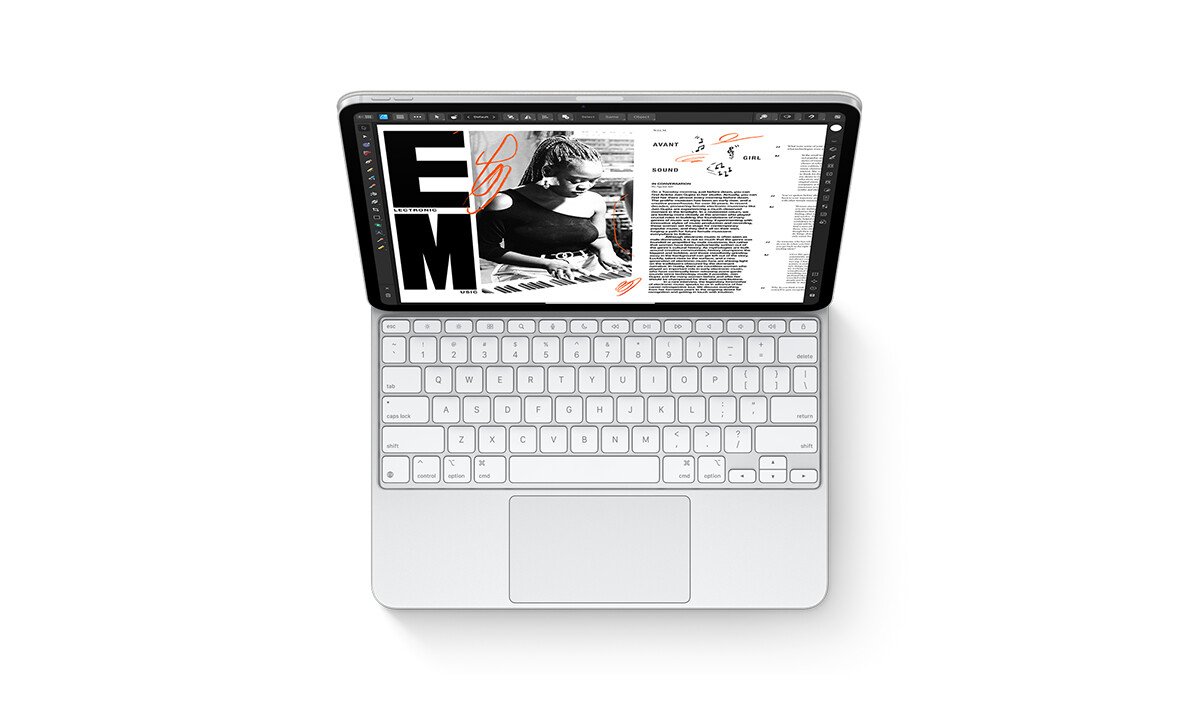
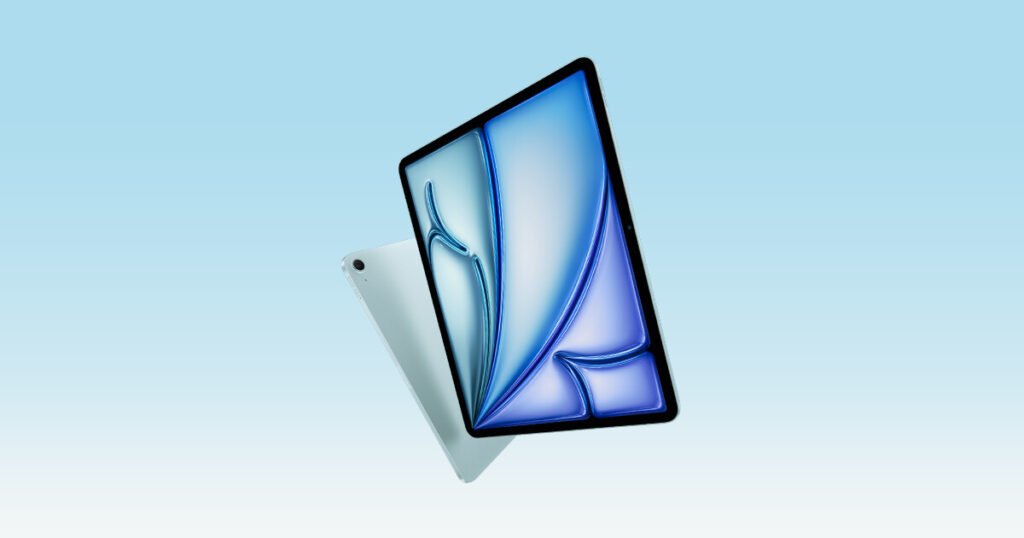
A tablet can replace a laptop for reading, notes, writing and streaming, but not for coding, heavy spreadsheets or Windows-only software, and the keyboard turns the saving into a loss. An iPad Air 11″ (M4) with its Magic Keyboard costs ₹1,16,800, against ₹40,999 for a Windows laptop with 8GB of RAM.
Can a tablet replace a laptop for college?
It depends on the course, not the tablet. Arts, commerce and law students who read, annotate and write can manage on a tablet. Engineering, computer science and design students usually cannot, because their tools run on a full desktop system.
The test is simple: ask your college which software you need. If it names a Windows or Mac program, buy a laptop. If it names a browser, PDFs and Office-style apps, a tablet can do it.
What can a tablet do that a laptop does worse?
Handwritten notes, reading and carrying. The Samsung Galaxy Tab S10 Lite costs ₹37,499 and comes with an S Pen in the box, so a lecture can be written by hand and searched later. Our page lists its battery at 8,000 mAh, Samsung’s own figure. Our guide to pens and tablets shows which tablets include one.
The Lenovo Idea Tab Pro Gen 2 also puts the Tab Pen Plus in the box for ₹41,999 and has a 13-inch screen, which gives side-by-side apps real room. The catch is Lenovo’s promise of only 2 OS updates, short for a device you might keep through a degree.
What does a tablet with a keyboard really cost?
Far more than the sticker price. Add the keyboard and the tablet often passes a decent laptop. The iPad (A16) at ₹49,900 is Apple’s cheapest iPad, yet its Magic Keyboard Folio is sold separately and the pen is extra too.
| Tablet | Tablet price | Keyboard | Tablet plus keyboard |
|---|---|---|---|
| iPad Air 11″ (M4) | ₹89,900 (128GB Wi-Fi) | Magic Keyboard, ₹26,900 | ₹1,16,800 |
| OnePlus Pad 4 | ₹62,999 (8GB + 256GB Wi-Fi) | Smart Keyboard, ₹17,999 | ₹80,998 |
| Samsung Galaxy Tab S11 | ₹1,26,999 (12GB + 256GB 5G) | Book Cover Keyboard Slim, ₹9,999 | ₹1,36,998 |
| Lenovo Idea Tab Pro Gen 2 | ₹41,999 (8GB + 256GB Wi-Fi) | Lenovo 2-in-1 Keyboard Pack, sold separately | Add the keyboard price at checkout |
The pattern is clear. The OnePlus Pad 4 costs ₹17,999 for its keyboard alone, and the iPad Air 11″ (M4) adds ₹26,900. Only the Samsung Galaxy Tab S11 keyboard is cheap, at ₹9,999, but the tablet starts at ₹1,26,999.
What does a laptop give you for the same money?
More software and more room to upgrade. The Acer Aspire 3 14 (A324-53) starts at ₹40,999 with a Core i3-1305U, 8GB of RAM and a 256GB SSD, and the page lists DDR4 memory upgradable to 32GB. A tablet’s memory is fixed when you buy it.
| Laptop | Starting price | What you get | Battery (maker figure) |
|---|---|---|---|
| Acer Aspire 3 14 (A324-53) | ₹40,999 | Windows laptop, Core i3-1305U, 8GB RAM, 256GB SSD, 1.45 kg; RAM upgradable to 32GB | 45.6 Wh, Acer rates it up to 6 hours |
| ASUS Chromebook CM14 (CM1405) | ₹28,990 | ChromeOS, 4GB RAM that is soldered, 64GB storage, 1.37 kg | 42 Wh |
| MacBook Air 13-inch (M5) | ₹1,49,900 | Apple M5, 16GB RAM, 512GB SSD, 1.23 kg | 53.8 Wh, Apple rates it up to 18 hours of video |
The ASUS Chromebook CM14 (CM1405) at ₹28,990 is the cheap exception, but its 4GB of RAM is soldered and stays 4GB. It suits a student who lives in a browser and Google Docs. The MacBook Air 13-inch (M5) at ₹1,49,900 is the laptop answer to the iPad Air 11″ (M4): ₹33,100 more than the iPad with keyboard, with a bigger keyboard and trackpad built in.
For a budget view, see every tablet under ₹50,000 on our tablet price list and every laptop under ₹50,000 on our laptop price list.
Which jobs are fine on a tablet, and which are not?
Judge by the software you must run. A tablet runs mobile apps, which cover notes, documents, video calls and light editing. It does not run Windows programs, so Tally, most engineering software and many college lab tools are out.
| What you do | Tablet is enough? | Why |
|---|---|---|
| Reading, notes, lectures, PDFs | Yes | Pen and touch suit it, and a keyboard is optional |
| Writing essays and reports | Yes, with a keyboard | Budget for the keyboard from the start |
| Spreadsheets, Excel macros | Rarely | Phone-style apps cover the basics, not heavy workbooks |
| Coding, engineering software, CAD | No | These tools expect a full desktop operating system |
| Windows-only programs, such as Tally | No | iPadOS and Android do not run them |
There is one tablet that breaks the rule. The Microsoft Surface Pro 13-inch (12th Edition) is a full Windows PC in tablet form, but it starts at ₹1,85,990 and the keyboard is sold separately. It is for people who need Windows and a touchscreen, and it is poor value for everyone else.
So should you buy a tablet or a laptop?
Buy a laptop if your course or job uses desktop software, or if you will type for hours every day. Buy a tablet if you mostly read, annotate and watch, and add a keyboard only if you write essays. If you want both, a tablet plus a ₹40,000 laptop is cheaper than the iPad Air 11″ (M4) with a keyboard and gives you each tool at its best.
Wi-Fi or cellular is a separate choice: our Wi-Fi or 5G tablet explainer covers what the mobile-data version costs. Screen size matters too, and our 11-inch or 13-inch tablet guide helps you choose.
Quick answers
Can an iPad replace a laptop for work?
For writing, email, calls and presentations, yes, if you add a keyboard. For Windows-only programs, large Excel models or coding, no. Budget ₹1,16,800 for an iPad Air 11″ (M4) with its Magic Keyboard.
Is a tablet cheaper than a laptop?
Only without accessories. A basic tablet is cheaper, but once you add a keyboard and often a pen, the total passes a ₹40,999 Windows laptop. The Acer Aspire 3 14 (A324-53) is cheaper than every tablet-and-keyboard pair in our table.
Which tablet works best as a laptop replacement?
The iPad Air 11″ (M4) with Magic Keyboard is the strongest pairing on our list, with 12GB of memory. The OnePlus Pad 4 with its Smart Keyboard is the cheaper choice at ₹80,998. Neither runs Windows software.